
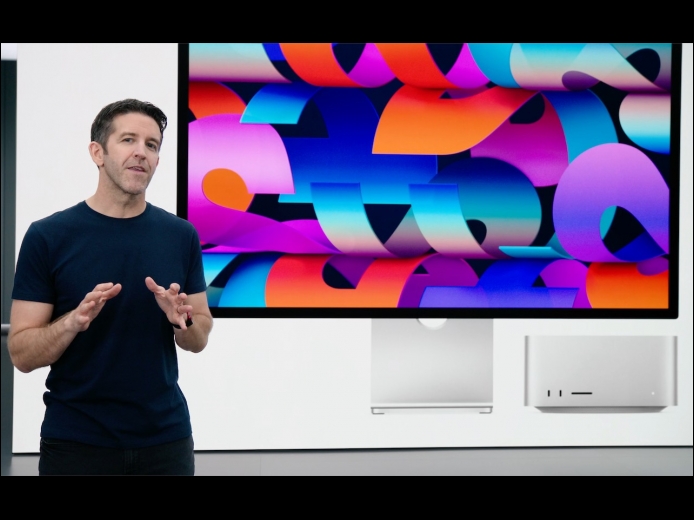

At its March 8th Peek Performance event, Apple freshened its iPhone and iPad product lines with a new third-generation iPhone SE and fifth-generation iPad Air, along with new green hues for the iPhone 13 line. Then Apple focused on the big announcements of the day: the entirely new Mac Studio, powered by the insanely fast M1 Ultra chip and accompanied by the stunning 27-inch Studio Display.
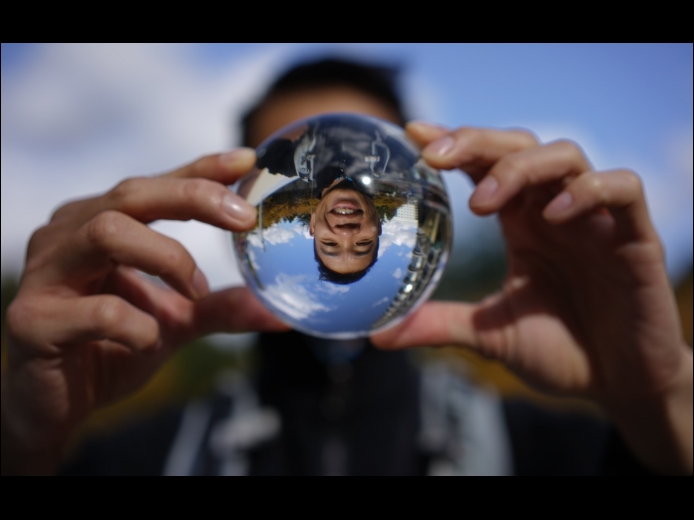
Read MoreNormally, when you rotate an iPad, the screen happily flips from portrait (vertical) to landscape (horizontal) orientation as appropriate. Rotating an iPhone has the same effect in some apps, though many are written to work only in one orientation. If you ever end up in a situation where your device’s screen doesn’t rotate when you think it should, the reason is likely that Rotation Lock has been turned on in Control Center. Swipe down from the top-right corner of your screen (or up from the bottom of the screen on a Touch ID iPhone) and disable the Rotation Lock button.
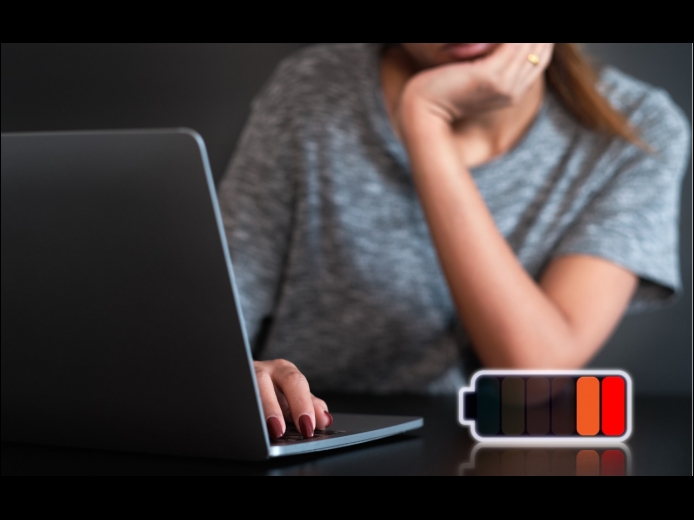
Read MoreWe’ve become accustomed to our iPhones and iPads switching into Low Power Mode to preserve battery life, and you can enable it manually if you want to reduce power usage for a day. New in macOS 12 Monterey for the MacBook Air and MacBook Pro is a similar feature, though you must enable it manually. Open System Preferences > Battery, click Battery in the sidebar, and select Low Power Mode. It reduces the screen brightness automatically and may decrease CPU performance. Make sure to turn it off once you don’t need it anymore.
Read MorePages
User login
Popular Posts

Made the USA!
February 12th, 2014