
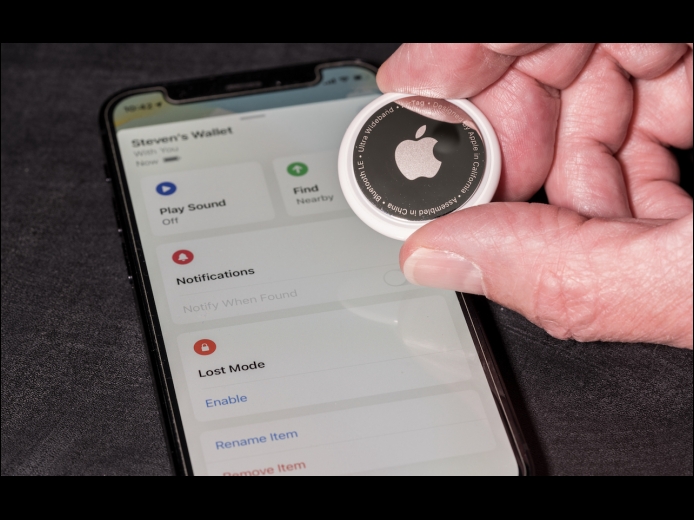



First, don’t panic. Most likely, you’re borrowing something with an Apple AirTag location tracker attached to it, or someone left something with an attached AirTag in your car. Second, tap the alert to open the Find My app, which displays a map showing where the AirTag has been with you, which might shed some light on where it started traveling with you. Third, in the Find My app, tap Play Sound to try to locate the AirTag by its audible alert.
Read MoreYou probably know that selecting a file in the Finder and choosing File > Get Info (Command-I) brings up the Get Info window. This window provides information about the file, including its name, kind, size, creation and modification dates, and much more. You can also use Get Info to hide or show filename extensions, lock and unlock files, and change permissions. But what if you want to do those things to multiple files or figure out how large a set of files is? Turn to the Finder’s Inspector window instead.
Read MoreDo you have a child starting college soon? It’s likely that your kid has been relying heavily on a computer throughout high school, but if it was a school-provided laptop or shared family computer, now’s the time to get them something of their own. And even if they had their own laptop throughout high school, if it’s old or unreliable, college is a good excuse to bring them up to date. If you haven’t been paying close attention to Apple’s Mac lineup, you might wonder which model makes the most sense.
Read MorePages
User login
Popular Posts

Made the USA!
February 12th, 2014