
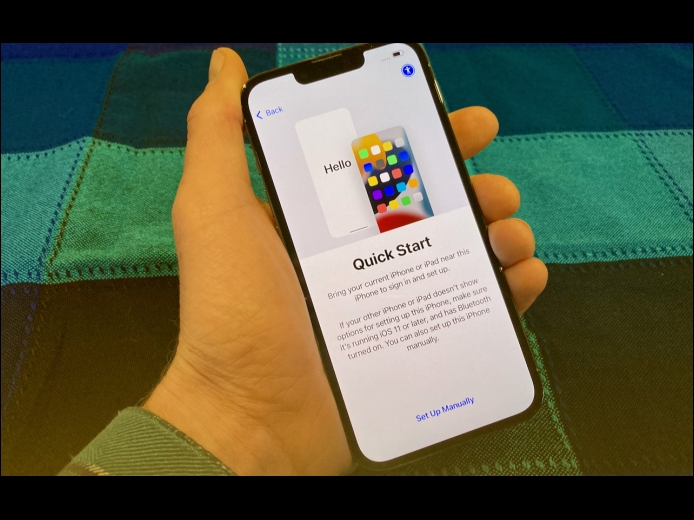



Are you among the millions of people planning to get a new iPhone 14? It’s exciting, we know, but don’t move too fast when getting started with your new iPhone, or you might cause yourself headaches. Instead, follow these instructions once you’re ready to transfer your data to the new iPhone:
Read MoreMany websites, from Adobe to Zendesk, let you receive two-factor authentication codes via SMS text messages. That’s good—any form of two-factor authentication is better than none—but you’re often effectively locked out of your accounts if those text messages don’t arrive. A simple fix is to call your cellular carrier and ask to have any blocks removed from your account. Automated scam and fraud prevention systems may have installed those blocks—it wasn’t necessarily related to anything you did—and the carrier can remove them easily.
Read MoreHave you noticed a little orange dot next to the icon for Control Center on the menu bar in macOS 12 Monterey? (And if not, you can’t miss it now.) Apple added that dot to alert you that something is using the Mac’s microphone to listen to the room. Click the Control Center icon to see which apps are using the mic. In nearly all situations, it will be entirely innocuous: Siri needs to listen for the “Hey, Siri” trigger, as in the screenshot below, and the Zoom app needs microphone access to provide audio in a video call.
Read MorePages
User login
Popular Posts

Made the USA!
February 12th, 2014