
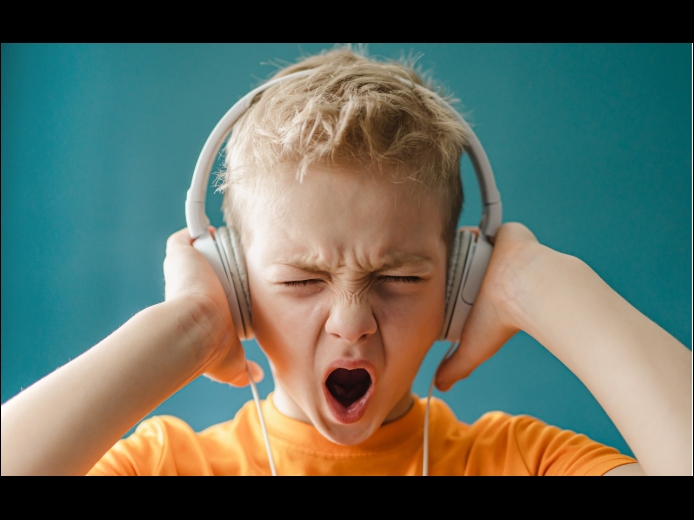

Loud sounds are harmful to everyone, and many parents worry that their children are at risk for hearing loss due to too-loud headphone audio from iPhones and iPads. To lower the likelihood of this happening, Apple provides a Reduce Loud Sounds option in Settings > Sounds & Haptics > Headphone Safety for both iOS and iPadOS. Select it and set a limit, with 80–85 decibels generally considered safe. To keep kids from increasing the limit, go to Settings > Screen Time and set a Screen Time passcode.
Read MoreIt’s difficult for even those who work with Apple devices daily to remember all the details. What processors were available with the 2020 iMac? What resolutions did the Apple Thunderbolt Display support? What are the differences between the fifth and sixth generations of the iPad mini? To find the answers to these and many other questions quickly, turn to Ian Page’s free Mactracker app, an indispensable repository of information about Apple products. Versions are available for the Mac and the iPhone and iPad.
Read MoreWe’ve recently heard from people who have been embarrassed when they gave their iPhone to someone to swipe through some innocuous photos of a vacation, only to have the person swipe too far and end up at some NSFW (not safe for work) images. Ouch.
Embarrassment might be low on the list of problems such photos could cause. It’s not hard to imagine a male supervisor innocently sharing photos with a female employee but ending up embroiled in a sexual harassment situation if she were to stumble across the kinds of NSFW photos that regularly land politicians in hot water.
Read MorePages
User login
Popular Posts

Made the USA!
February 12th, 2014