
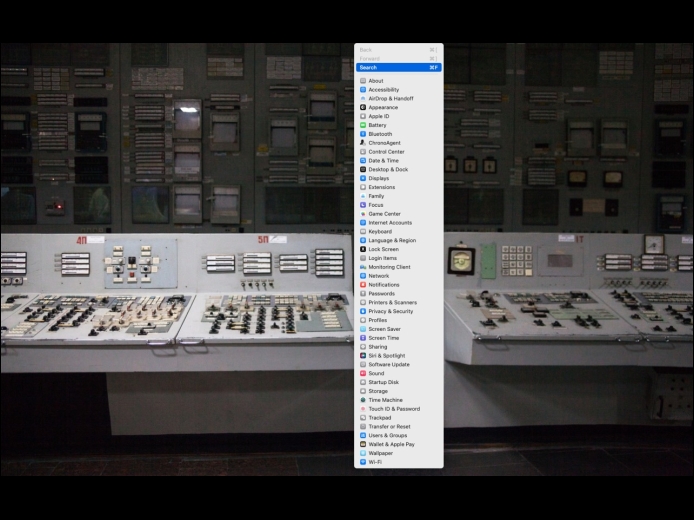



In macOS 13 Ventura, Apple replaced the creaky System Preferences with System Settings, which uses a more iOS-like interface. Many people find System Settings overwhelming, partly because they had memorized where to look in System Preferences (but System Settings has many other design flaws as well—it’s not your fault). We have two recommendations to make it more easily navigable. First, for an alphabetical approach, use the View menu, which lists the panes that way, along with the top-level items in the General settings pane.
Read MoreWe’re hearing about new hires who receive an email or text from someone claiming to be the CEO of their new company, asking the employee to carry out some small task like sharing personal information, purchasing a gift card for a client, or wiring funds to another business. The new employee, eager to make a good impression and lacking the context of what’s reasonable, is tempted to do as asked.
Read MoreKeyboard shortcuts are a productivity win, but they can cause confusion if something unexpected happens when you inadvertently press some system-wide key combination. For instance, you might be taken aback if you accidentally press Control-Option-Command-8 and all the colors on your Mac screen suddenly invert.
Read MorePages
User login
Popular Posts

Made the USA!
February 12th, 2014