


With last year’s macOS 10.13 High Sierra, Apple made no sweeping changes, instead focusing on refinements and bug fixes. In keeping with the company’s alternating cycle of releases, this year’s macOS 10.14 Mojave boasts plenty of new features.
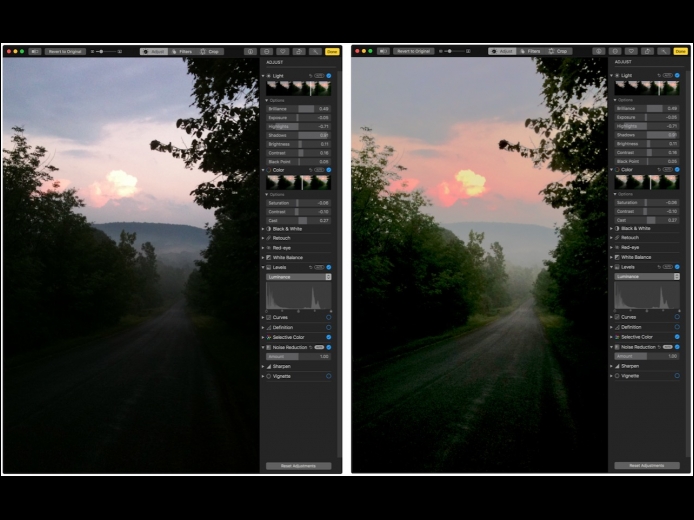
Read MorePhotos on the Mac provides so many editing tools that it’s easy to lose track of how an edited image compares to the original. You can always use the Revert to Original command and then undo it, but that’s fussy. Instead, Photos provides a Show Original  button in the upper-left corner, between the window controls and the Revert to Original button.
Some Web sites have separate desktop and mobile versions, each theoretically providing the best browsing experience for its platform. Unfortunately, mobile Web sites sometimes leave out necessary features or hide content. That’s especially annoying if you’re browsing on an iPad, where the desktop site would work fine. If you run across such a site while browsing in Safari on the iPhone or iPad, you can ask for its desktop version. Press and hold the Reload button at the right side of the address bar, and then tap Request Desktop Site.
Read MorePages
User login
Popular Posts

Made the USA!
February 12th, 2014