



In iOS 16, Apple tightened security by displaying a confirmation alert when you copy data from one app and paste it into another. More security isn’t bad, but these alerts can become annoying if you copy and paste frequently. In iOS 16.1, Apple added a setting to control the behavior for each app. If you get these alerts too often when pasting in an app, go to Settings > AppName > Paste from Other Apps and switch it from Ask to Allow. Many apps don’t include the setting; hopefully, any apps where you paste often will have this setting or include it soon.
Read MoreDeleting contacts on the iPhone and iPad used to be a pain, especially if you wanted to trash multiple contacts. You had to open the contact, tap Edit, scroll to the bottom, and tap Delete Contact. Although you still can’t swipe left on a contact in a list, as you do when deleting in Mail and Messages, iOS 16 and iPadOS 16 provide a simpler method. Touch and hold a contact in the Phone or Contacts lists, and then tap Delete Contact at the bottom.
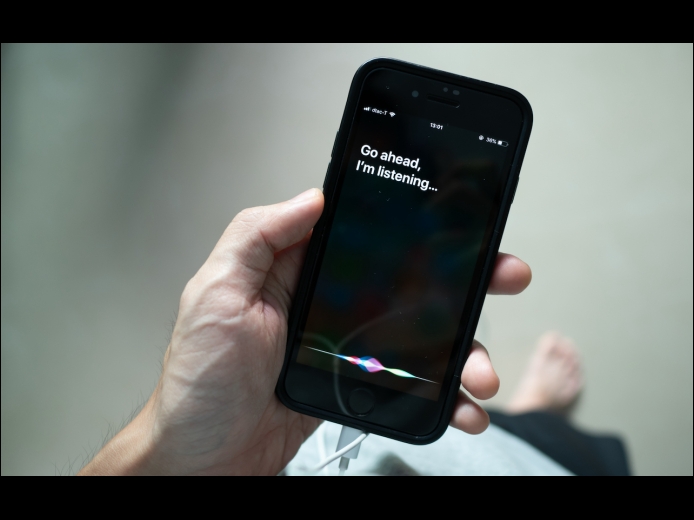
Read MoreAlthough iOS and iPadOS are extremely stable, there are times when rebooting your iPhone or iPad can eliminate odd or problematic behavior, and there’s no harm in trying it. In the past, you’ve had to remember which buttons to press or select Settings > General > Shut Down and then press a button to turn the device back on. In iOS 16 and iPadOS 16, however, Siri has learned a new trick: how to reboot iPhones and iPads.
Read MorePages
User login
Popular Posts

Made the USA!
February 12th, 2014