
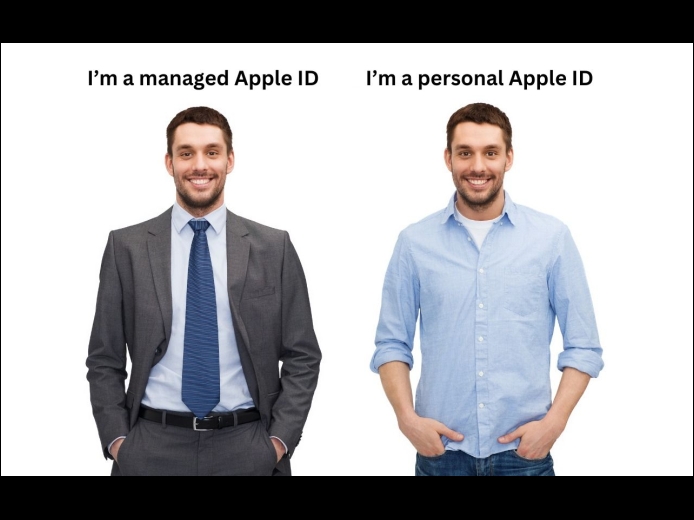
In the Apple world, the account that controls access to all your Apple-related online services is the Apple ID. Buying apps from the App Store, putting photos in iCloud Photos, and sharing data between iCloud-enabled apps—all these actions rely on your Apple ID. If you’re a regular Apple user, you have an Apple ID associated with your email address.
Read More
Under the hood, macOS relies on Unix, which is a multi-user operating system. That’s why a Mac can host multiple users who, as long as they don’t know each other’s passwords, cannot see each other’s files. To maintain each user’s privacy, macOS relies on permissions that specify who can do what with any given file or folder. For the most part, permissions work how they’re supposed to, letting you work with all your files and keep any other users on the Mac out of your stuff.
Read More
A side effect of the pandemic is that online videoconferencing improved drastically. Video calls happened before 2020, but videoconferencing wasn’t an everyday activity for most people. Now, with many people working remotely or in a hybrid model, it’s a fact of business life. To support videoconferencing tools, Apple has extended macOS’s basic webcam and microphone capabilities to allow Mac-powered video calls to go beyond the basics. Apple’s enhancements fall into four categories: camera modes and controls, mic modes, reactions, and Presenter Overlay.
Read More