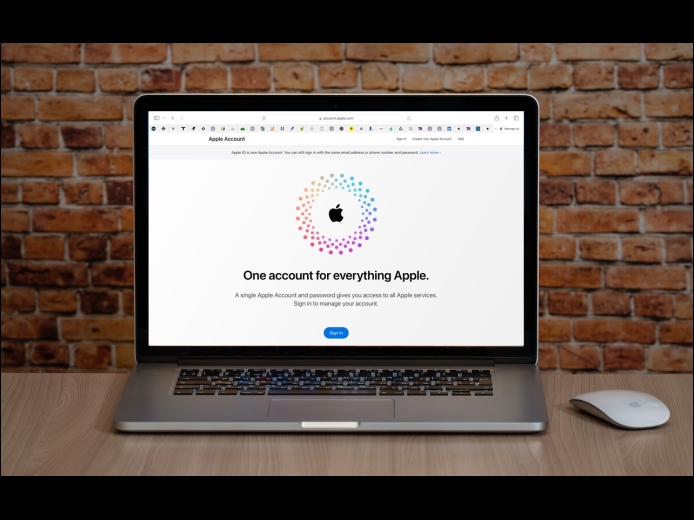
In macOS 15 Sequoia, iOS 18, iPadOS 18, and watchOS 11, Apple has officially renamed Apple ID to Apple Account. The new name is a slightly more sensible term because you can sign in to an Apple Account that holds your information, whereas an Apple ID was primarily an identifier—it’s an email address—that didn’t inherently imply that it stored data. The name change is mostly a distinction without a difference, but you should be aware of it when reading support documentation or tech articles. You’ll see the new term in System Settings on the Mac and Settings on the iPhone and iPad.
Read More
Do you worry about family members with whom you’re otherwise happy to share your iPhone passcode reading your private diary in a journaling app? Or perhaps you want to keep your child out of apps where they could cause mischief. A new feature in iOS 18 and iPadOS 18 lets you use Face ID or Touch ID to restrict access to specific apps, optionally hiding them in the process. Touch and hold the app’s icon on the Home Screen, and tap Require Face/Touch ID.
Read More